Monday, 15 February 2021

Room 1 2021

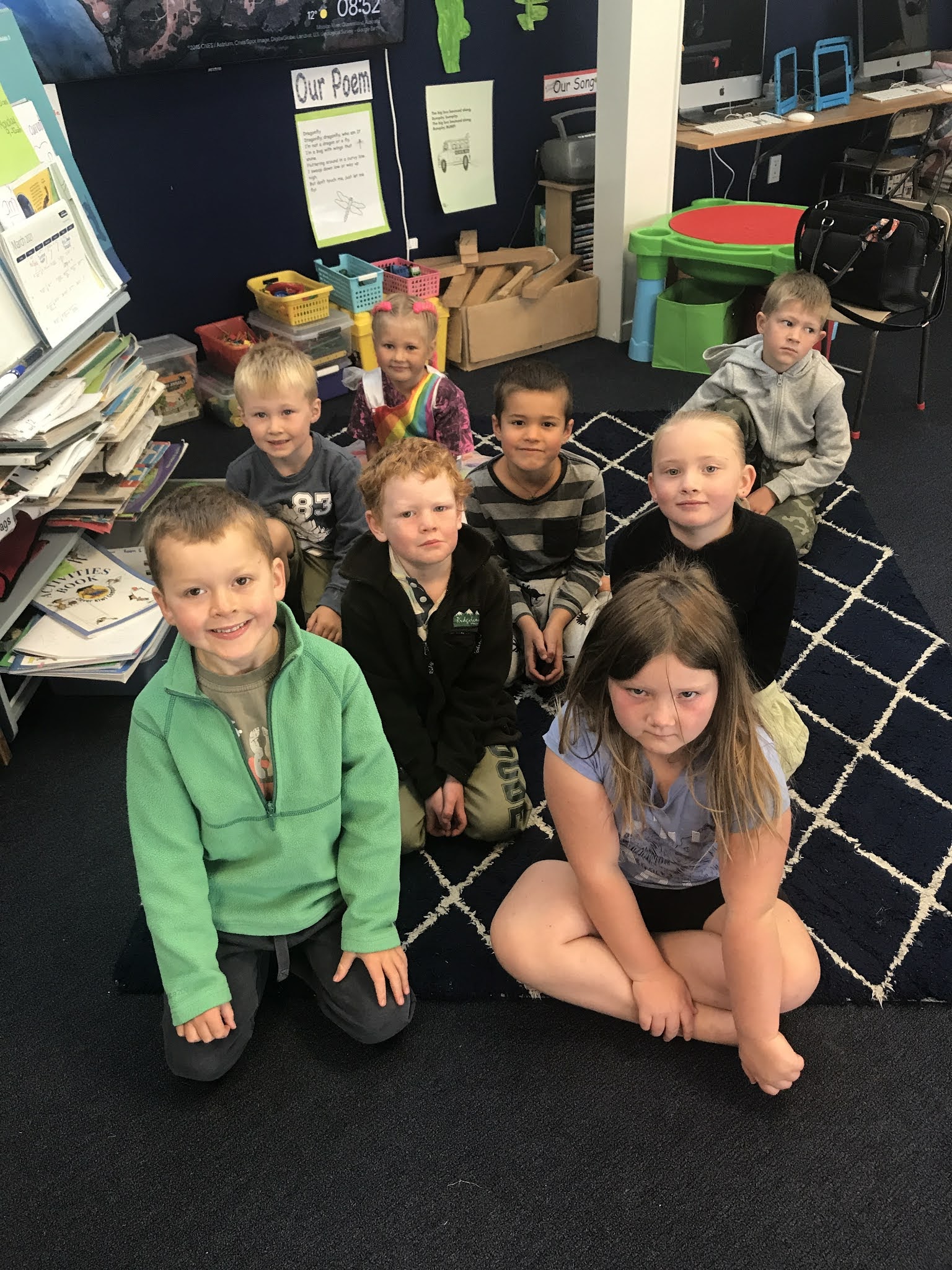
This is Room 1 of Matawai School.
Our teacher is Mrs Fisher.
Every Monday Mrs Torrie comes and we learn how to use our iPads.
Today we made a project about the building.
They are building two new classrooms.
When they are built Room 3 and Room 4 are going to be demolished and 
they will be move into the new classrooms.
Friday, 27 November 2020

Things I like

 Today in our Cybersmart lesson we were leanring how to find images that we are allowed to use. We saved the images and then we made a movie with them. 

Here is Kyle's movie. He likes lots of things. What do you like?


Friday, 20 November 2020

Sunsmart

 At Matawai School we have to wear a sunhat in term 1 and term 4. We all have school hats to wear. Our hats hang up in the corridor when we are not wearing them. As well as this we sit in the shade to eat. We took photos of each other eating our lunch in the shade. We took a photo of a place we like to play as well. 

Here are some of our movies about being sunsmart. 

Tuesday, 10 November 2020

The Chicks Have Hatched!

 When we got to school on Tuesday we found that some of our chickens had hatched. Some were fluffy and some were wet. The wet ones had just hatched. We saw some eggs with cracks in them and little tiny beaks sticking out.

We took some photos and videos of the chicks in the incubator and made a movie about them. Some of us are taking chicks home with us.

Here are some of our movies.

Olivia's movie...  

Jack's movie 


Lachie's movie... 

Friday, 16 October 2020

Editing and Labelling Photos

Today in our Cybersmart lesson we were editing photos. We took a selfie and used the editing tools on our iPad. We were able to use filters, draw with a pen and found the magnifying glass. That was a lot of fun!

Then we put our photos together in Explain Everything. 

We had taken a photo of your "Spud in a Bucket" yesterday so we learned how to label the photo in Explain Everything.

Here are Ruby's photos...


Friday, 18 September 2020

Maths Quiz

Today we created a Maths Quiz in Scratch Jnr.

Scratch Jnr is an app where we can  program our own interactive stories and games. While we are doing this we are learning to solve problems, design projects, and express ourselves creatively. 
We use our computational thinking to design a digital outcome. We have to test our code to make sure our sprites do what we want them to. If they need fixing we are "debugging". 

Scratch Jnr runs on an iPad or an android tablet. Click here to download the free app.

Today we had to think of a maths equation then create 2 incorrect answers and one correct answer. Then we had to code it so the player would know if they had chosen the right answer. 

Here is Angus' work. This is a screen recording so it is not interactive but it shows how the quiz works.

Friday, 11 September 2020

Storytelling with Scratch Jnr

 We have been creating stories in Scratch Jnr. 

We had 2 sprites in our story and they were greeting each other then going to play a game. We had to code each sprite to move, to talk and to wait. Some of us could make them bounce! 

We had to make 2 different scenes and code the story to move to the second scene. We had to code and test our story as we worked on each sprite and each scene.  We had to debug if the sprites did not do what we wanted them to.